Design Maker For Crafting

Your whole craft library, native on your Mac.

25,000+ ready-to-use cut files, monograms, sublimation designs, watercolor art and stickers — searchable, themed, and one click from Cricut Design Space.

Download on theMac App Store Requires macOS 13 Ventura or later
25,000+ designs No ads, ever No account needed Works fully offline
Everything in one window

Built for crafters, not browsers

A real Mac app — fast, native, and organized the way you actually work.

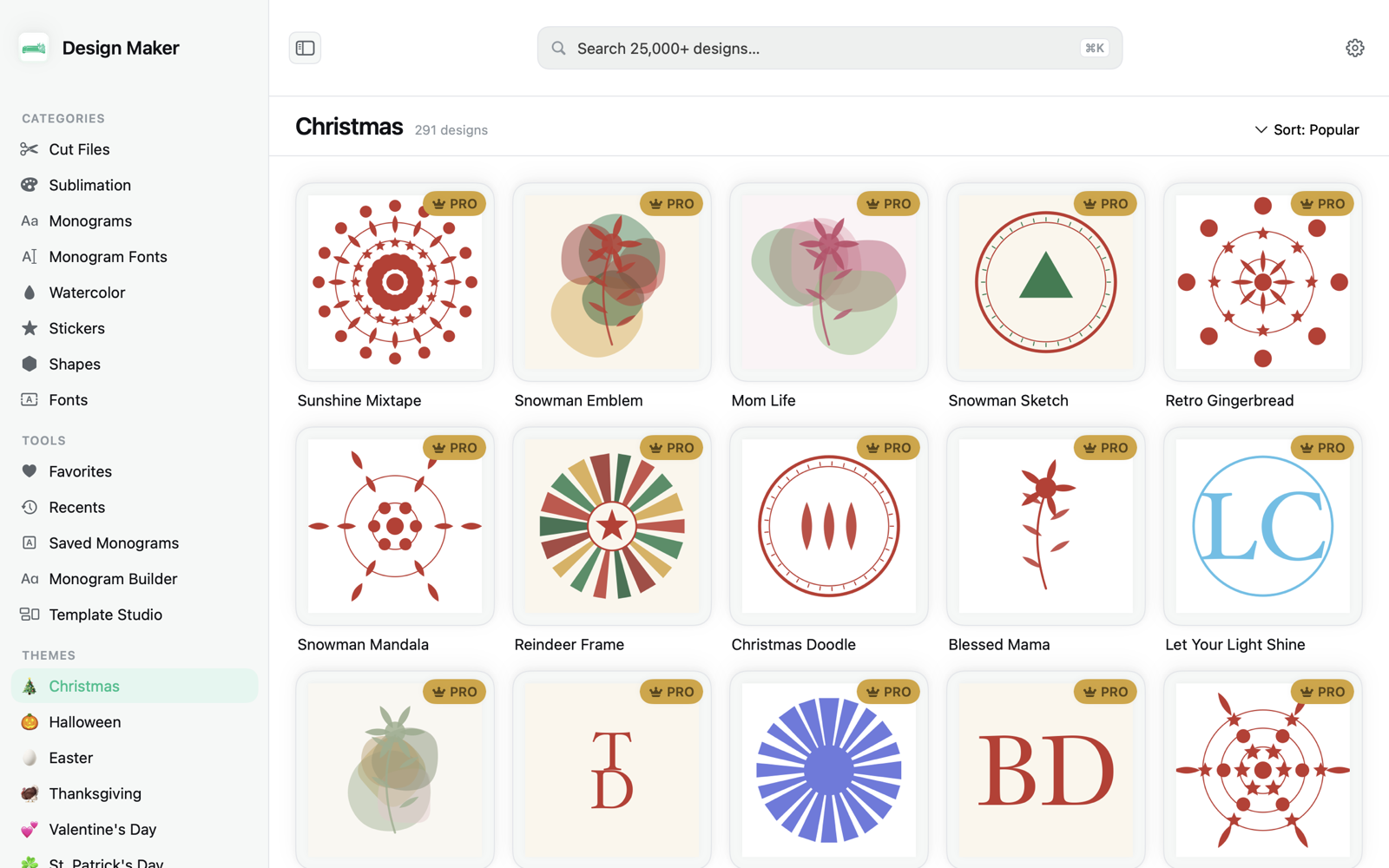
A massive curated library

Cut files, sublimation, monograms, watercolor, stickers, shapes and fonts — sorted into 140+ themes from Christmas to Mama Bear.

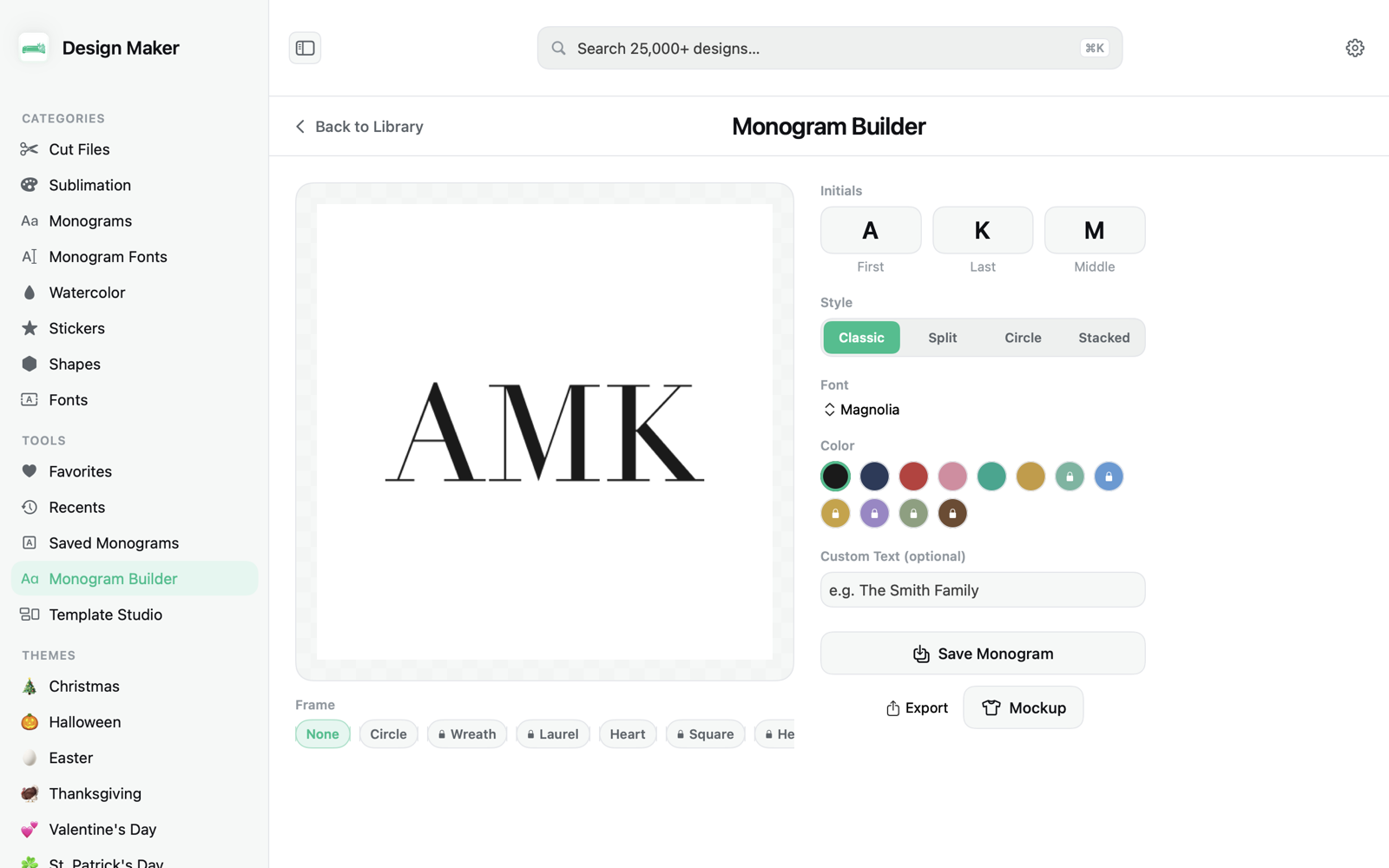
Custom monogram builder

Pick a frame, choose your initials and font, recolor it, and export a clean monogram in seconds — no design skills required.

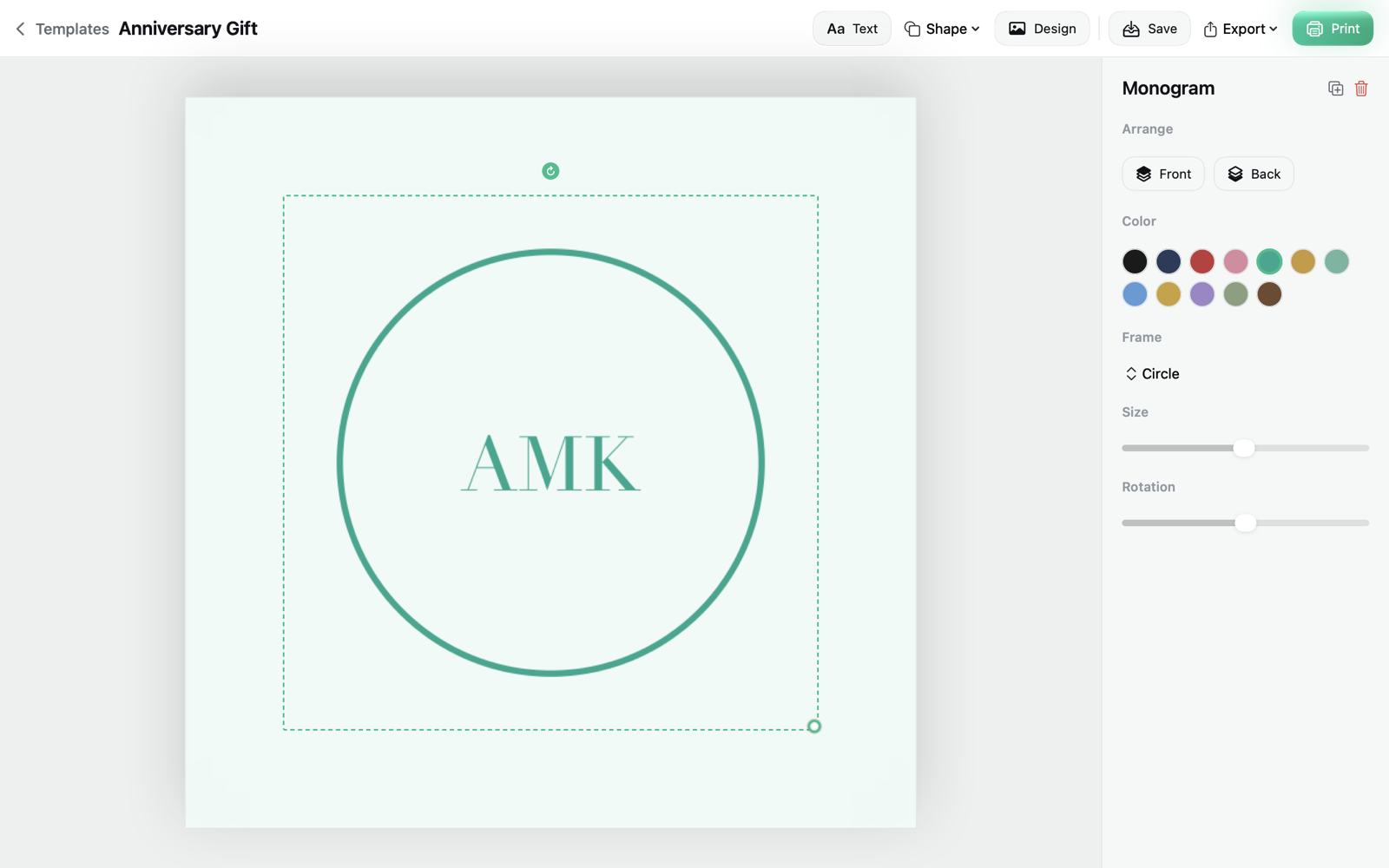
Template Studio

Drop any design onto a canvas, add your own text, move and recolor elements, and make it yours before you cut.

Real mockup previews

See your design on a t-shirt, mug, tumbler or sign before you commit — so what you make is what you pictured.

Export to any format

One click to PNG, SVG, PDF or JPEG at print resolution — ready for vinyl, sublimation or print-then-cut projects.

Clean Cricut handoff

Export your file and jump straight to Cricut Design Space on the web to cut. No fuss, no conversions, no clutter.

A look inside

Designed to feel right at home on macOS

Browsing the themed design library
The custom monogram builder
The Template Studio editor
Three steps

From idea to cut in minutes

1

Find your design

Search or browse 140+ themes. Favorite the ones you love and they're always one click away.

2

Make it yours

Build a monogram, add custom text in the studio, or preview it on a real product mockup.

3

Export & cut

Save a clean PNG, SVG, PDF or JPEG and open Cricut Design Space to start cutting.

Free to download. Every tool unlocked.

No ads, no account, no subscription games. Just a clean, fast craft library for your Mac.

Download on theMac App Store